 Voiceover benefit video
Uses Smart mix to keep the product subject clear for an inspectable ecommerce short.
10s9:16Current-team draft
Product materials
 ProductAdLab
Current area
Videos
Guest preview mode
You can browse the workspace, switch tools, fill settings, and inspect the flow. Generation, asset saving, history, team, and purchase actions unlock after sign-in.
Remix materials into a marketing short video
UGC video
Create 3 hook/script directions first, then choose one and pick or upload product materials.
Script planning is included in the plan at launch and does not spend separate compute; making the video reserves plan compute later.
Presenter style
Script angle
Upload 1-10 images of the same product
Choose from this product
0 selected / up to 10
Organizes Smart mix into material staging, parameter control, task progress, and asset handoff, matching high-frequency video-tool behavior while keeping ProductAdLab's own production loop.
Material staging
Confirm images, videos, products, and authorized material for the Spoken marketing scenario first.
Parameter controls
Keep target platform, ratio, duration, camera direction, and avoid-list in one production panel.
Task progress
Shows queued, running, saved, and recovery states during generation.
Asset handoff
Route video results back to project assets, video review, teammate handoff, and ZIP export.
Locks target platform, clip goal, material policy, and review focus for Smart mix into a project-traceable video parameter plan.
Target platform
Defaults to Douyin ecommerce vertical shorts, with room for Taobao, Amazon, TikTok Shop, and Xiaohongshu.
Platform changes framing, pacing, and delivery labels only; it does not override product facts or material rights.
Clip goal
Prioritize hook, benefit order, caption/voiceover space, and CTA.
Clip goal is submitted into the task brief so assets and delivery packs can trace this tool-page setting.
Material policy
Required: Product materials.
Images can be reused from current product assets; video materials enter only through the private upload path.
Review gate
Stable subject, undistorted product, natural scale, and no unauthorized identity/voice/brand or false claims.
Saved results keep parameter-plan source for teammate handoff and ZIP video checklist review.
Tracks subject hints, action hints, avoid-list, duration, and quality choices for the Smart mix video page.
Subject hints
Fashion, Beauty, Home, Food, Digital accessories
Action hints
Hook, Benefit sequence, Detail shot, Caption rhythm, Offer CTA, UGC tone
Avoid hints
Exaggerated effects, Fake reviews, Sales guarantees, Copied captions, Unauthorized brands
Stores only safe selected-parameter summaries, not raw execution packets.
Turns Smart mix into a savable video production order across materials, parameters, generation review, and asset handoff.
Materials
Steps
Routing
Sign in to save video production orders.
Only saves a current-team order; no generation, file upload, or compute spend.
Duration
Sign in to generate
Generation reserves plan compute; unfinished runs are returned
Examples
Turns Smart mix examples into reusable, savable, traceable ProductAdLab video cases.
Voiceover benefit videoUses Smart mix to keep the product subject clear for an inspectable ecommerce short.
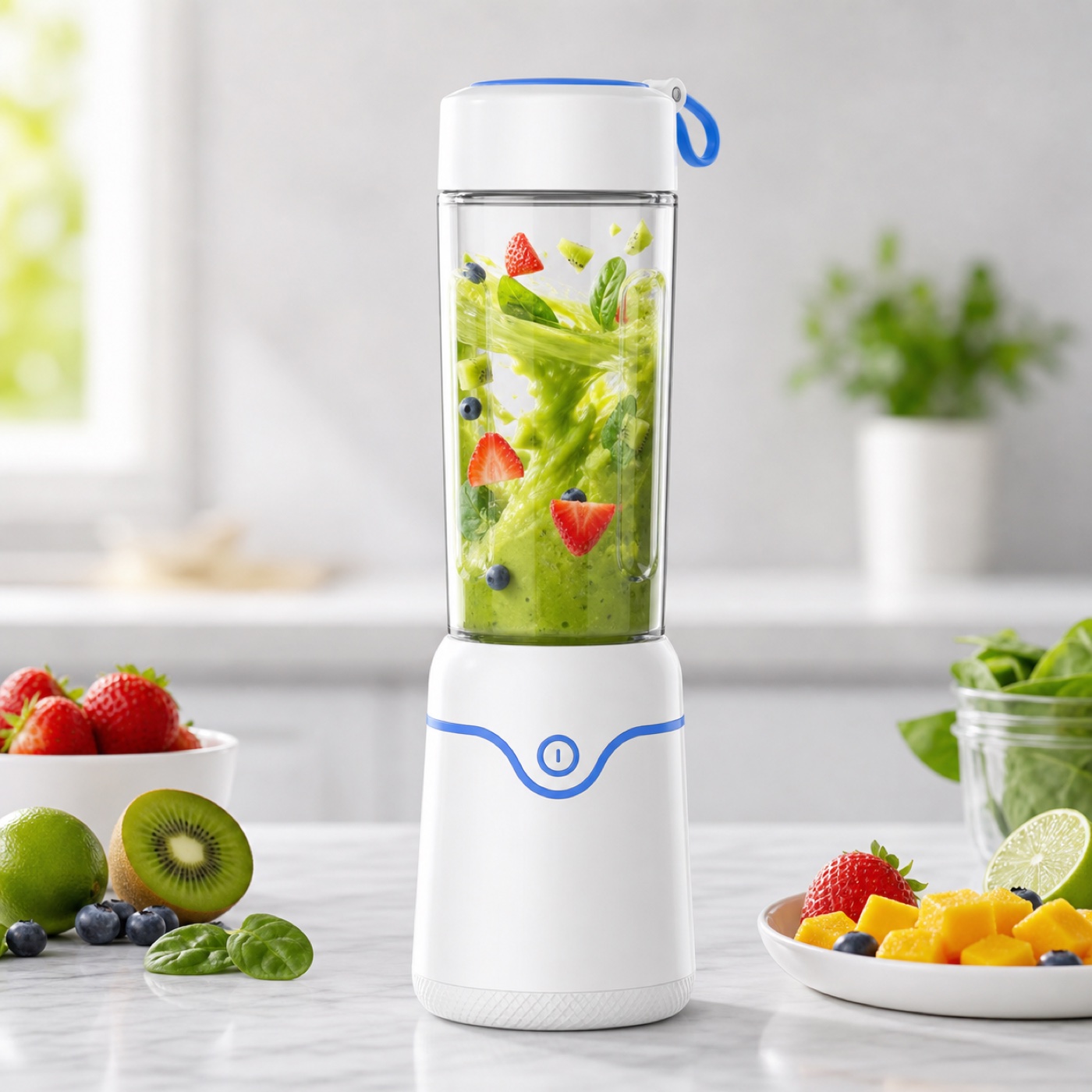 Product offer video
Starts from current product materials, then fills action, duration, and platform format.
 UGC remix video
Reuses the case as a current-team draft so saved clips return to video assets and delivery packs.
Cases provide ProductAdLab-owned structure and direction; they do not copy third-party material.
Viewing cases does not call generation, upload media, or spend compute.
Saving a case creates only a current-team draft; rights and product facts are still reviewed before generation.