Edit
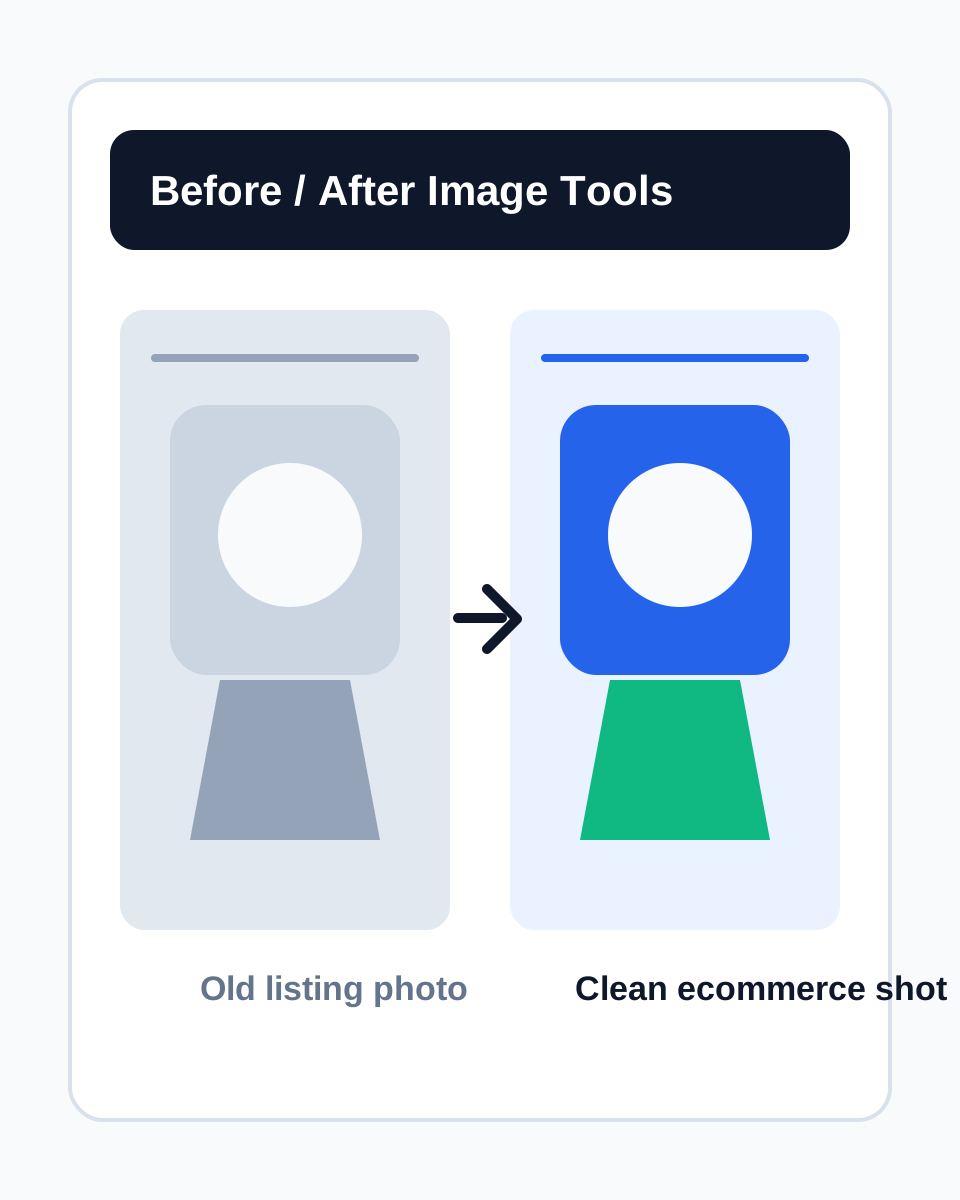
Use edit caseOld photo refresh before/after
Turns an old listing photo into a clean ecommerce image with subject, background, shadow, and texture control.
 ProductAdLab
Current area
Templates
Search and reuse templates by category, ecommerce platform, and use case.
Guest preview mode
You can browse the workspace, switch tools, fill settings, and inspect the flow. Generation, asset saving, history, team, and purchase actions unlock after sign-in.
These ProductAdLab-owned samples keep entries, templates, and asset workflows visible and stable.
Turns an old listing photo into a clean ecommerce image with subject, background, shadow, and texture control.
Reuses structure, pacing, and IO contracts only, then saves as a workspace draft.
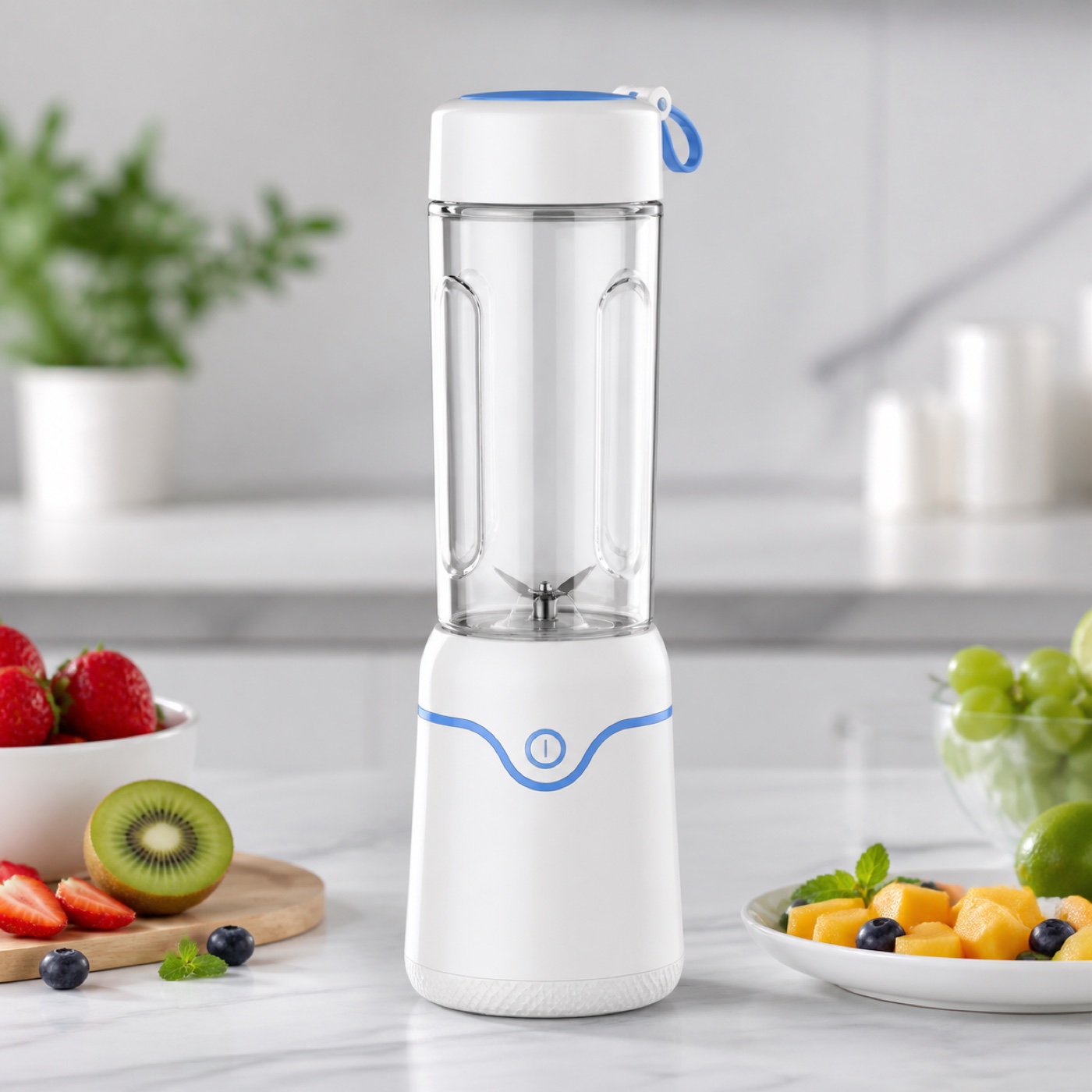
Hero, white-background, benefit, and lifestyle images are assembled into a delivery pack.
Templates are organized by platform, category, and use case so you can start image, video, and project creation quickly.
Available templates
6
Platforms
6
Content types
5
Creation paths
3
Platform
A structure-only carousel that moves from pain point to proof-backed product benefit.
Format
4-card square carousel
Output type
Product image variant pack
Required inputs
Structure
Preview the template structure and expected outputs before continuing.
Template preview
Convert the template into canvas structure, ratio, copy placement, and review notes.
Mapped fields
Notes
Quick apply carries this template direction into the next creation flow, where you can add product details.