Image pack
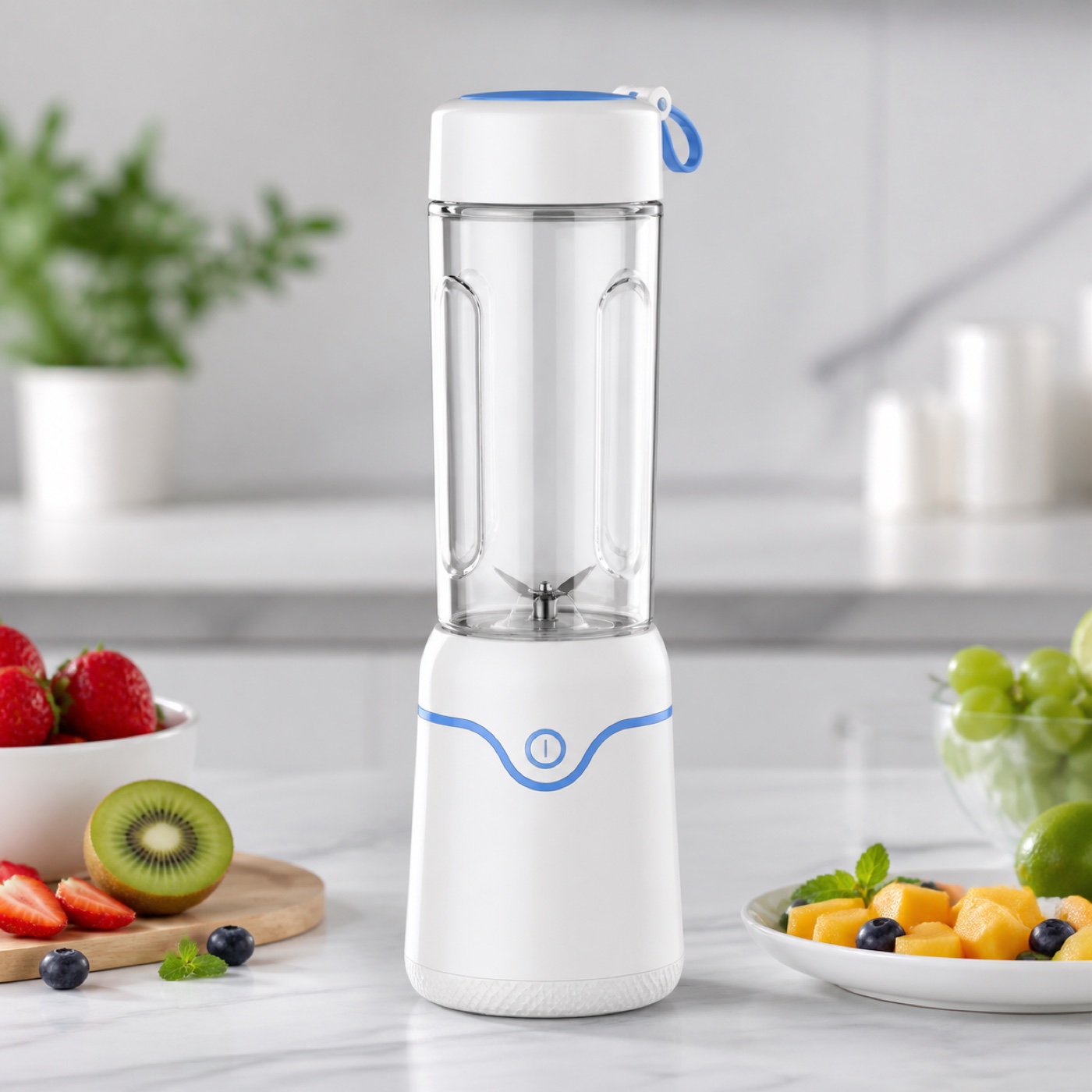
Open sample productPortable blender listing pack
Hero, white-background, benefit, and lifestyle images are assembled into a delivery pack.
 ProductAdLab
Current area
Products
Organize product info, benefits, channels, and materials before creating images, videos, and copy.
Guest preview mode
You can browse the workspace, switch tools, fill settings, and inspect the flow. Generation, asset saving, history, team, and purchase actions unlock after sign-in.
These ProductAdLab-owned samples keep entries, templates, and asset workflows visible and stable.
Hero, white-background, benefit, and lifestyle images are assembled into a delivery pack.
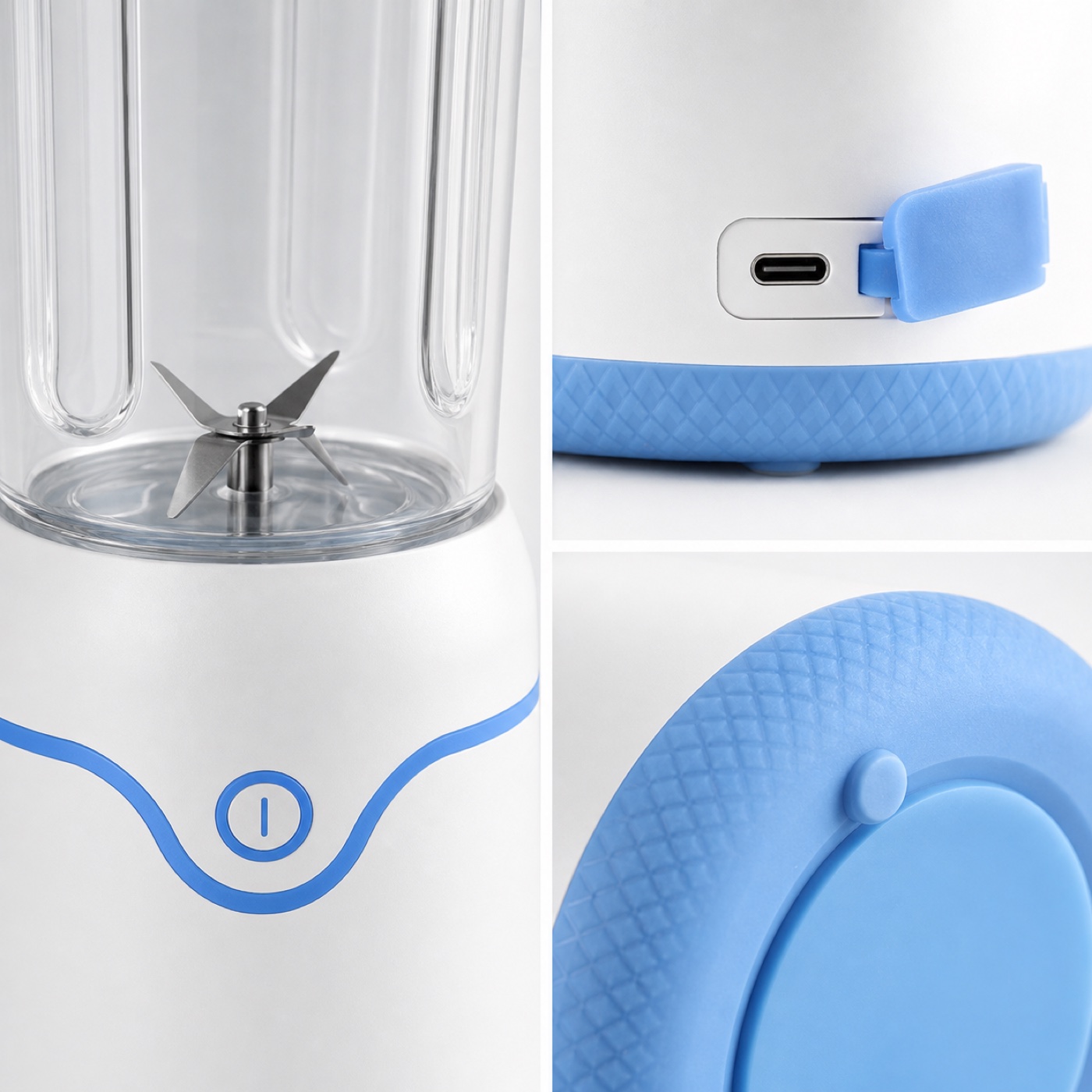
Preserves button, cup, and material details for benefit images and detail sections.
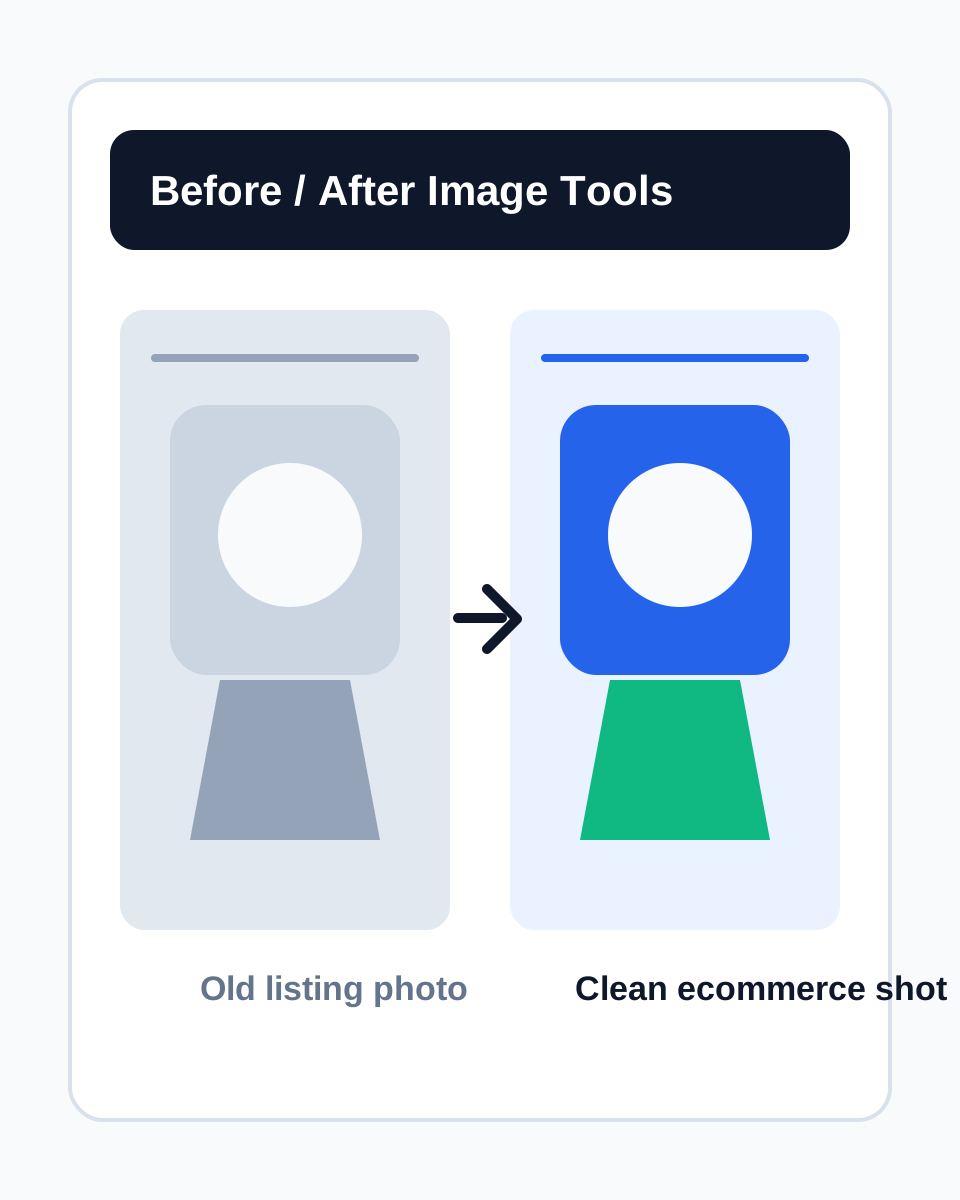
Turns an old listing photo into a clean ecommerce image with subject, background, shadow, and texture control.
A portable blender shows the full path from product profile to images, video script, copy, and delivery pack. Guests can open the demo without live generation or saving.
6
Images
3
Copy
1
Video
11
Pack items
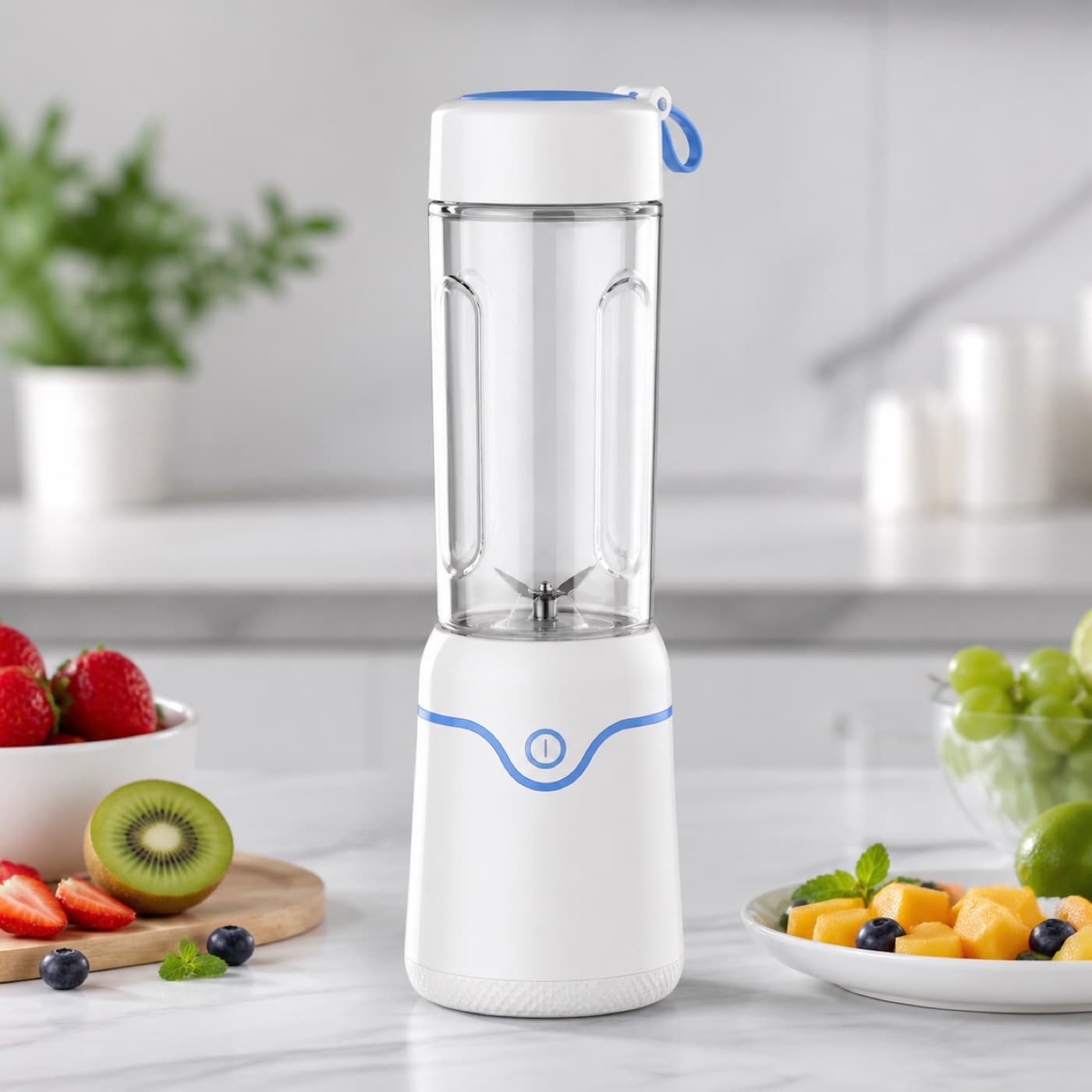
Shopify
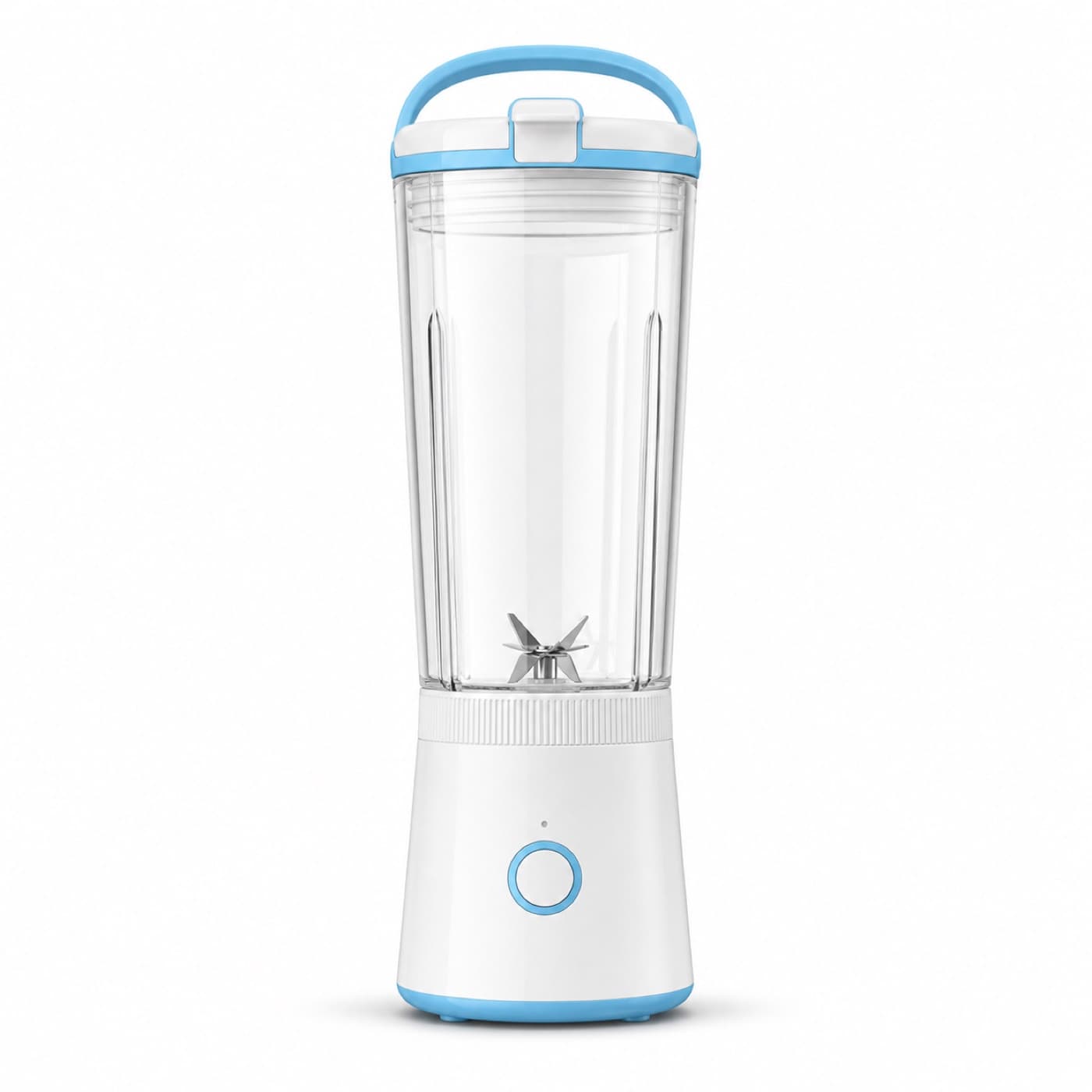
White-background image
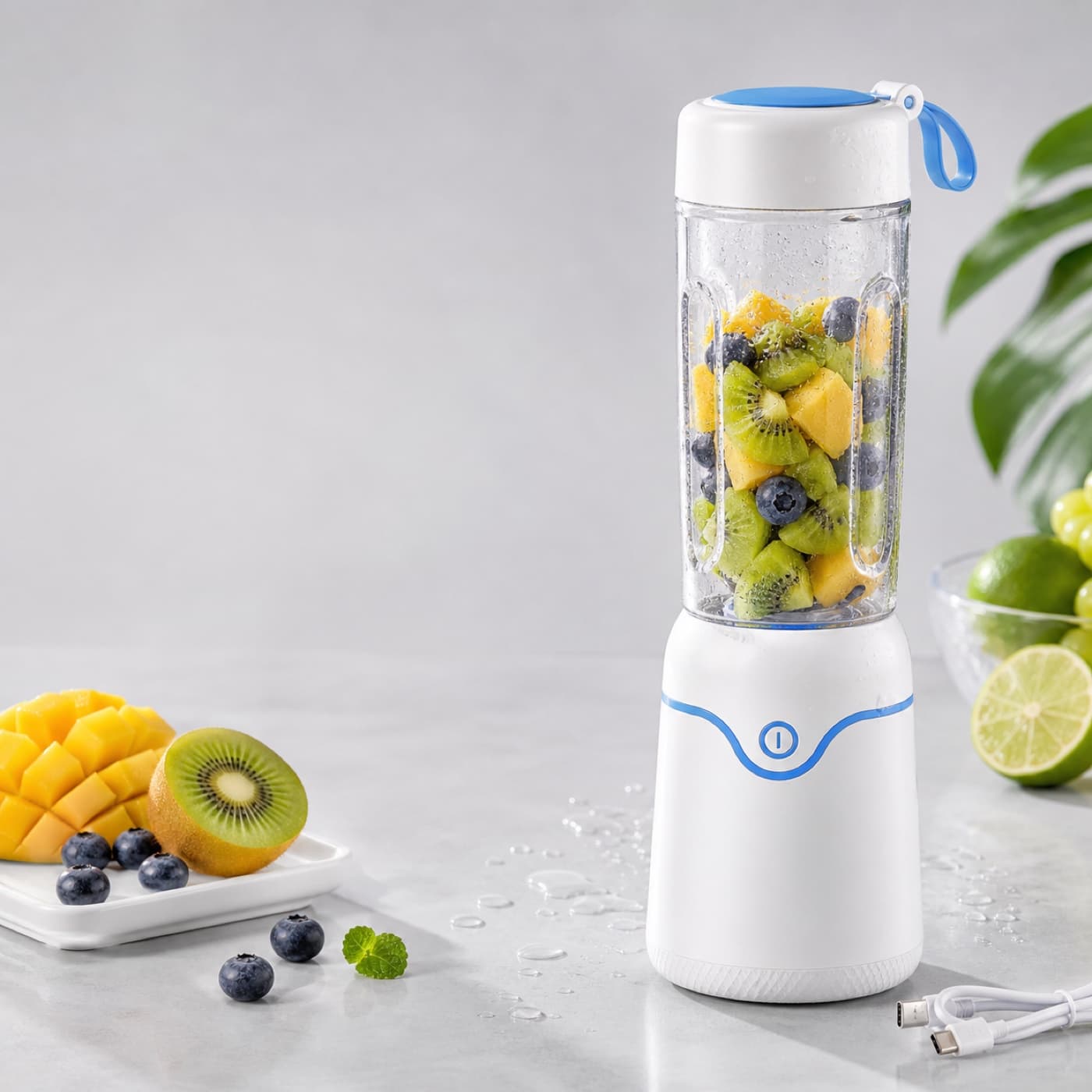
Portable benefit image
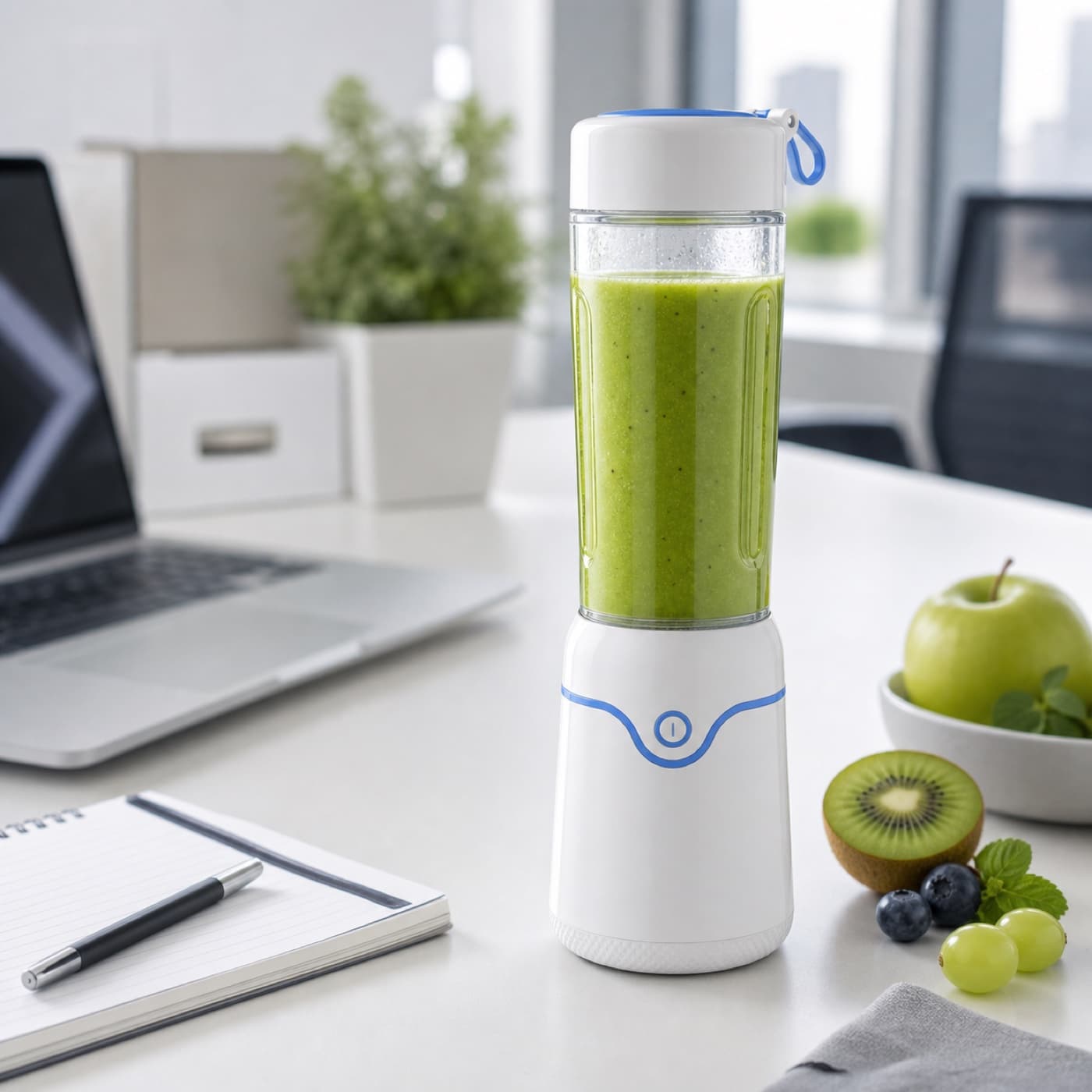
Office lifestyle image
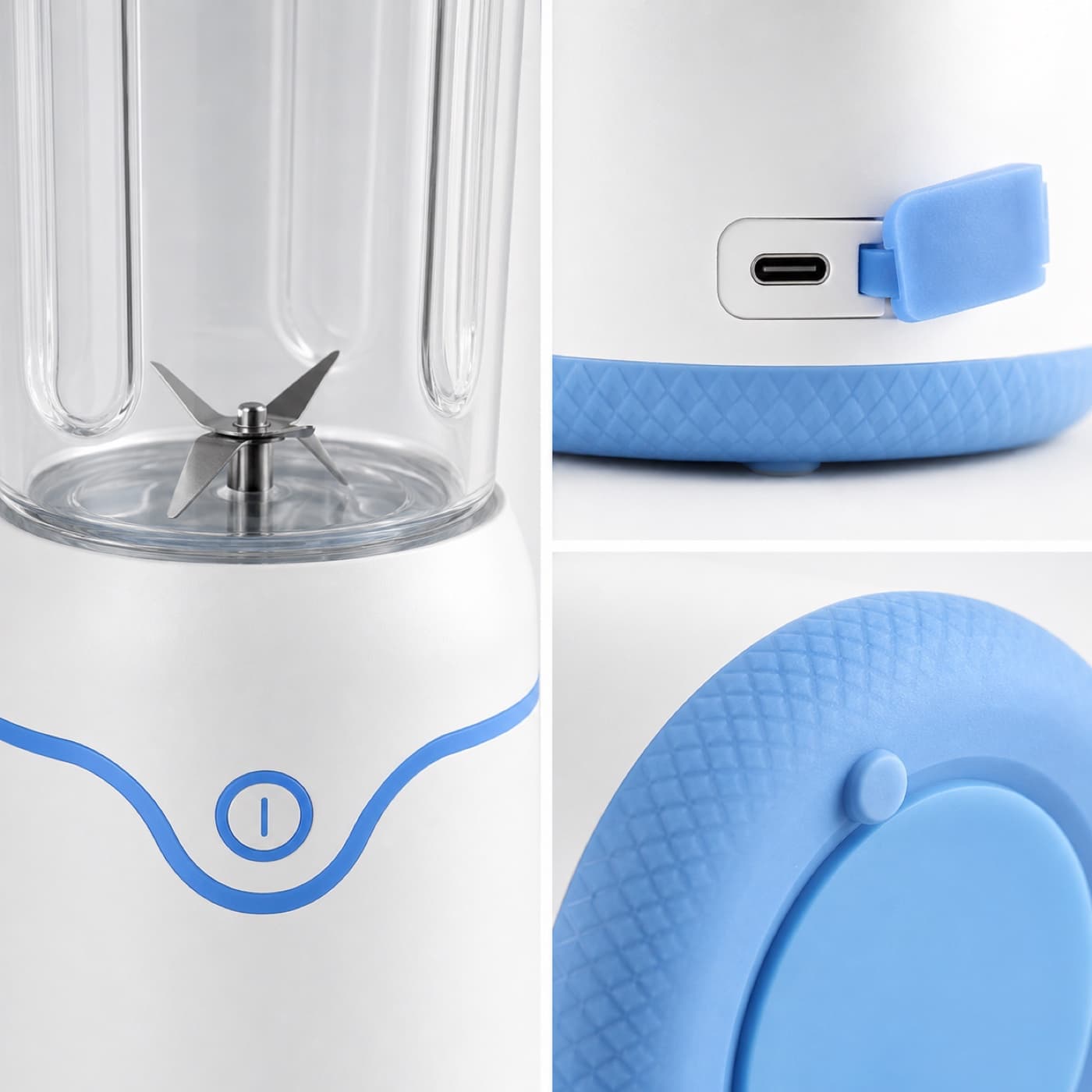
Detail-page close-up
This becomes the starting point for each product: name, category, channel, benefits, and references stay connected to future outputs.
Save your first product profile.
Product production queue
1 material gaps, 1 ready for handoff.
Backend recommended next step
UV cooling sleeves
Write copy and scripts first
Apparel accessory
Input production plan
Product brief input -> Listing copy and scripts
Source:Product name, benefits, specs, audience, and channel use
Open production lane:Titles, benefits, detail modules, social copy, and UGC scripts.
Backend start plan
The backend turns queue state, material gaps, and target outputs into work orders; this prepares launch context without generation or compute spend.
The plan only prepares production context; generation still requires confirmation in the target workspace.
Production material readiness
2/5 ready, 1 need input
Case source
OptionalNo benchmark case yet; own materials can continue.
Image materials
Ready3 image assets are ready.
Batch delivery plan
8 target output slots, 3 assets ready, 1 gaps.
Batch images
Needs input3 images exist; expand into a deliverable set.
Compute budget
ReadyEstimate compute for 8 output slots; confirm before generation.
Asset archive
Ready3 project assets can be organized into result sets.
Team handoff
Needs inputKey materials are missing; fill gaps before handoff.
This only shows the production plan; it does not generate, charge compute, or show storage internals.
Small appliance
Input production plan
Product brief input -> Asset organization
Source:Product name, benefits, specs, audience, and channel use
Open production lane:Project assets, version review, team handoff, and delivery packs.
Backend start plan
The backend turns queue state, material gaps, and target outputs into work orders; this prepares launch context without generation or compute spend.
The plan only prepares production context; generation still requires confirmation in the target workspace.
Production material readiness
4/5 ready, 0 need input
Case source
OptionalNo benchmark case yet; own materials can continue.
Image materials
Ready6 image assets are ready.
Copy and scripts
Ready3 copy or script assets are ready.
Video materials
Ready1 video assets are ready.
Batch delivery plan
8 target output slots, 10 assets ready, 0 gaps.
Batch images
Ready6 images are ready for the delivery pack.
Compute budget
ReadyEstimate compute for 8 output slots; confirm before generation.
Asset archive
Ready10 project assets can be organized into result sets.
Team handoff
ReadyMaterials are ready for ops, design, or ads teammates.
This only shows the production plan; it does not generate, charge compute, or show storage internals.