 ProductAdLab
Current area
Images
Product image production
Upload, then choose a seriesStart from one product reference image, then create platform packs, hero images, scenes, benefits, and detail visuals.
Guest preview mode
You can browse the workspace, switch tools, fill settings, and inspect the flow. Generation, asset saving, history, team, and purchase actions unlock after sign-in.
Make detail image
Brought from the recommended pack: make one detail-page image next. The request below is prefilled and ready to adjust.
Step 1
Upload one product image
Step 2
Set channel and requirements
Step 3
Choose an image series
Packs create a selectable plan first; single series run from the current image and requirements.
Platform pack
Amazon listing pack
Current product: Portable blender. Clean hero, clear benefits, and A+ detail modules. Good first set: 8 images.
Preview the pack structure as a guest; sign in to upload a product photo, generate real images, and save them to the product project.
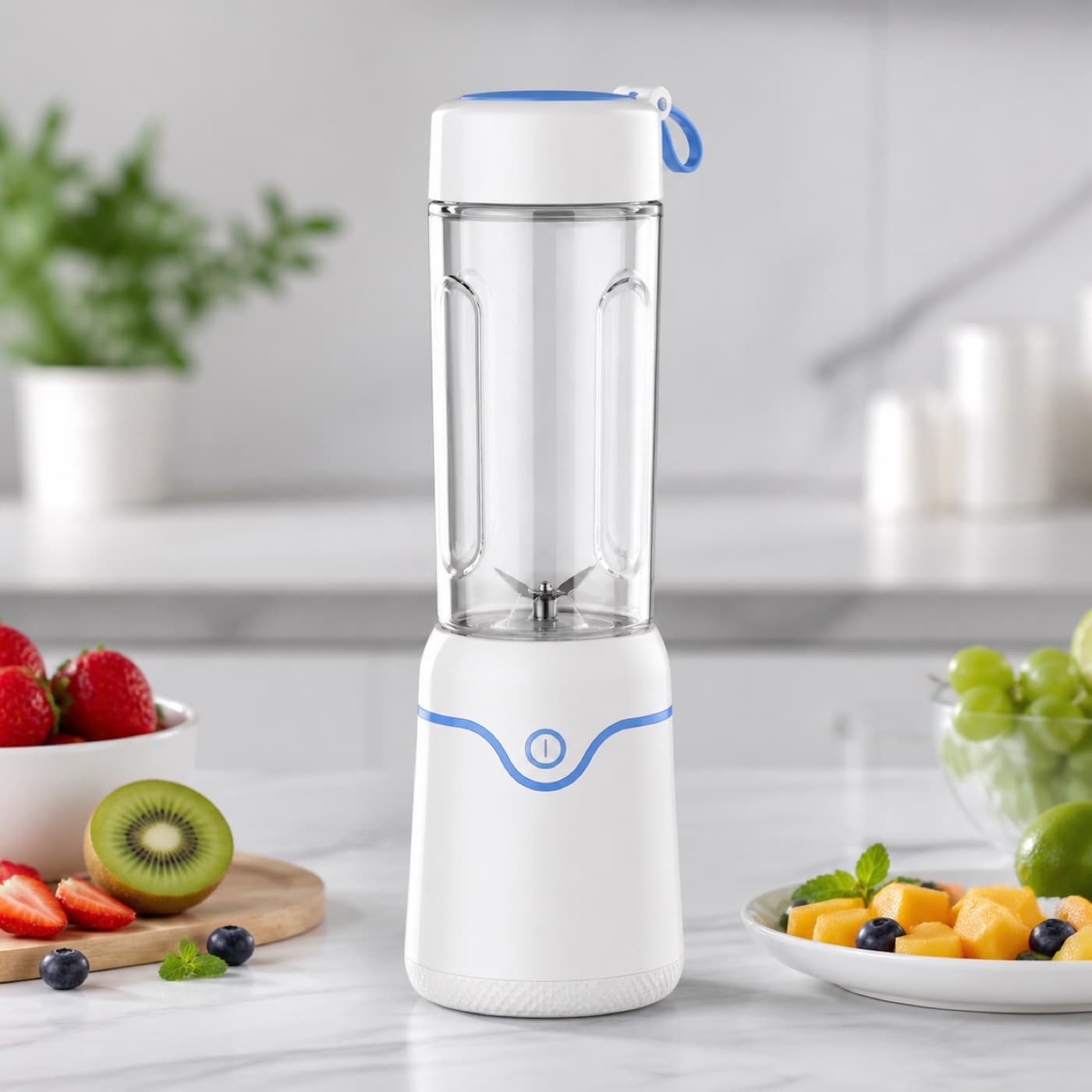
Hero
1 suggested. Plan first, then choose which to generate.
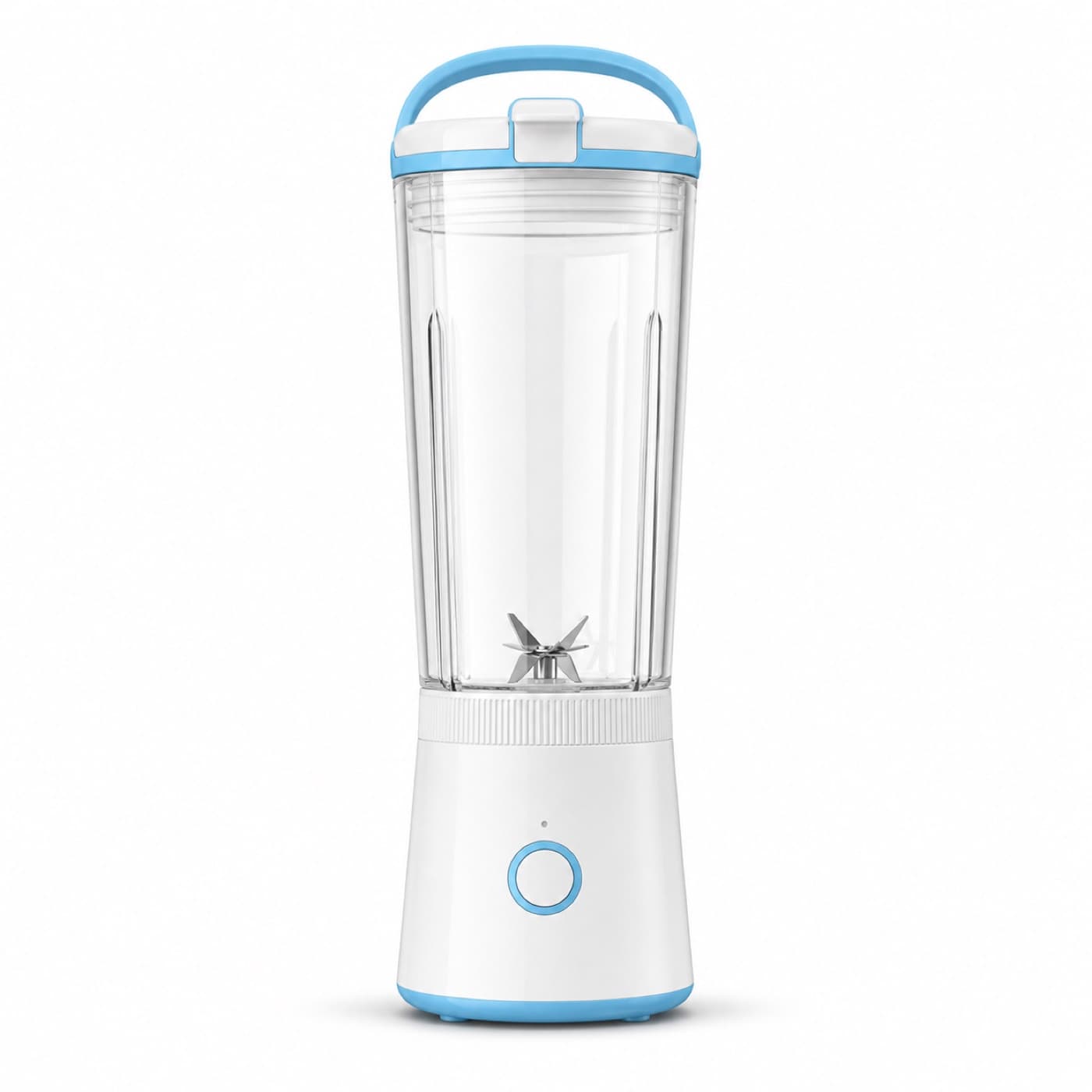
White
1 suggested. Plan first, then choose which to generate.
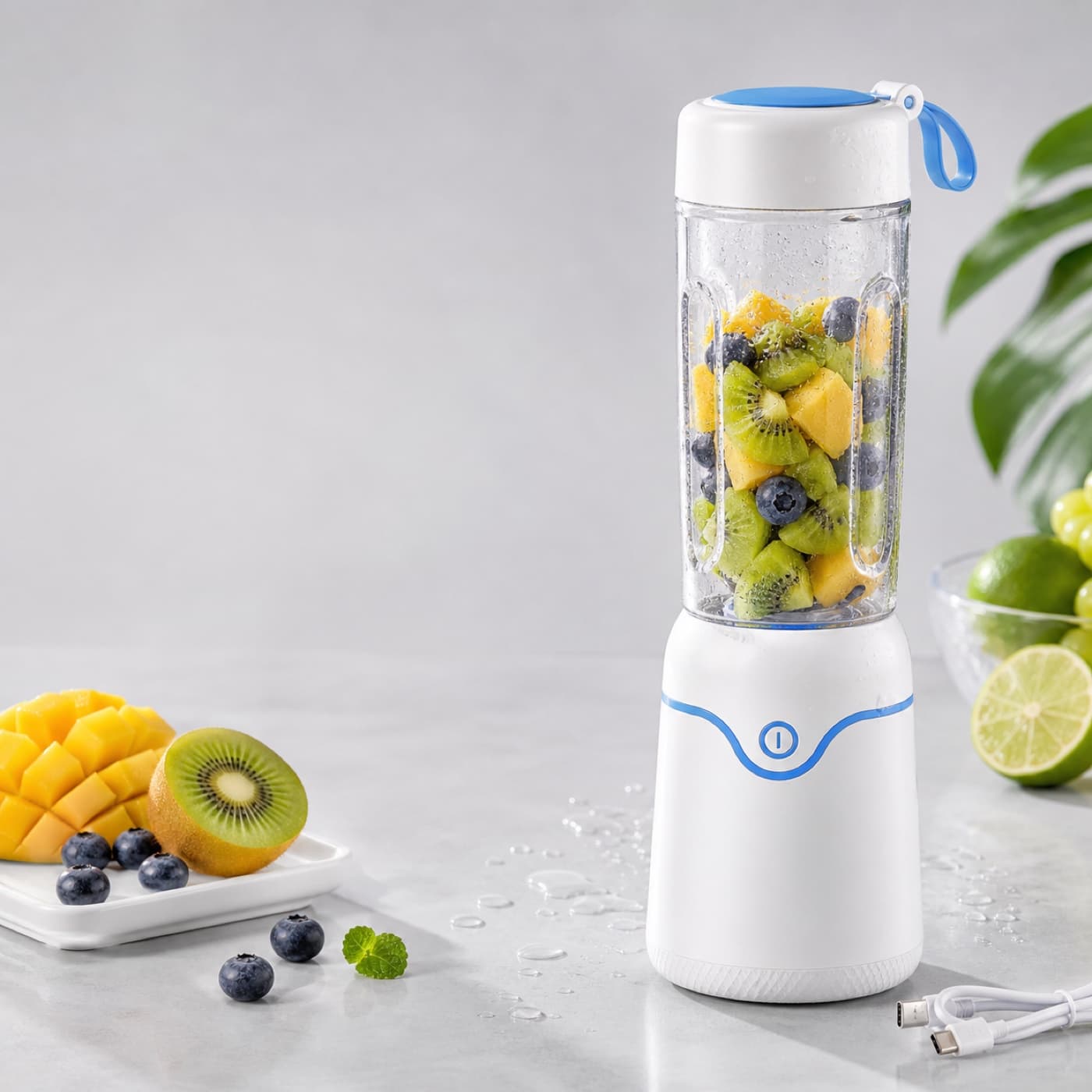
Benefit
2 suggested. Plan first, then choose which to generate.
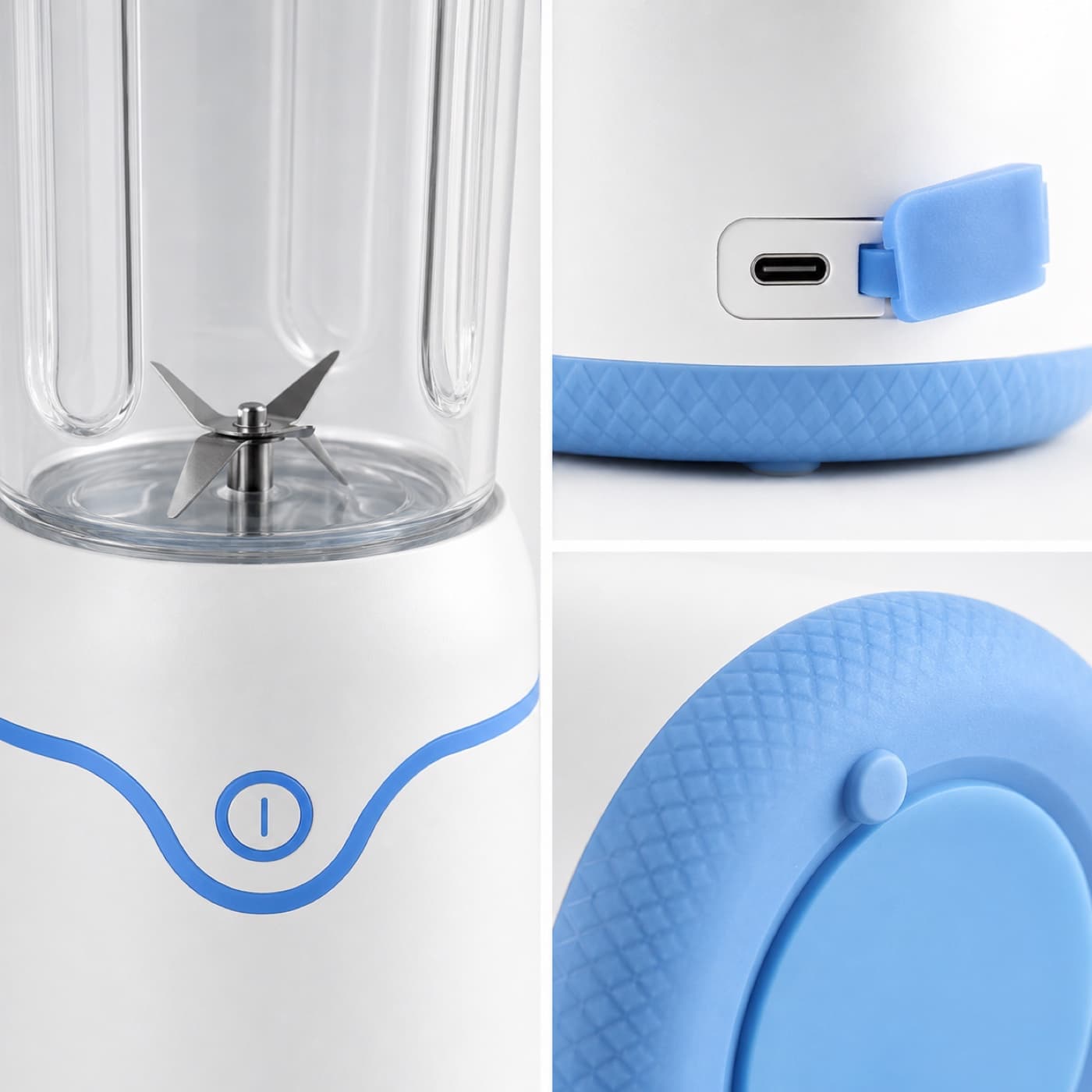
Size
1 suggested. Plan first, then choose which to generate.
Detail
1 suggested. Plan first, then choose which to generate.
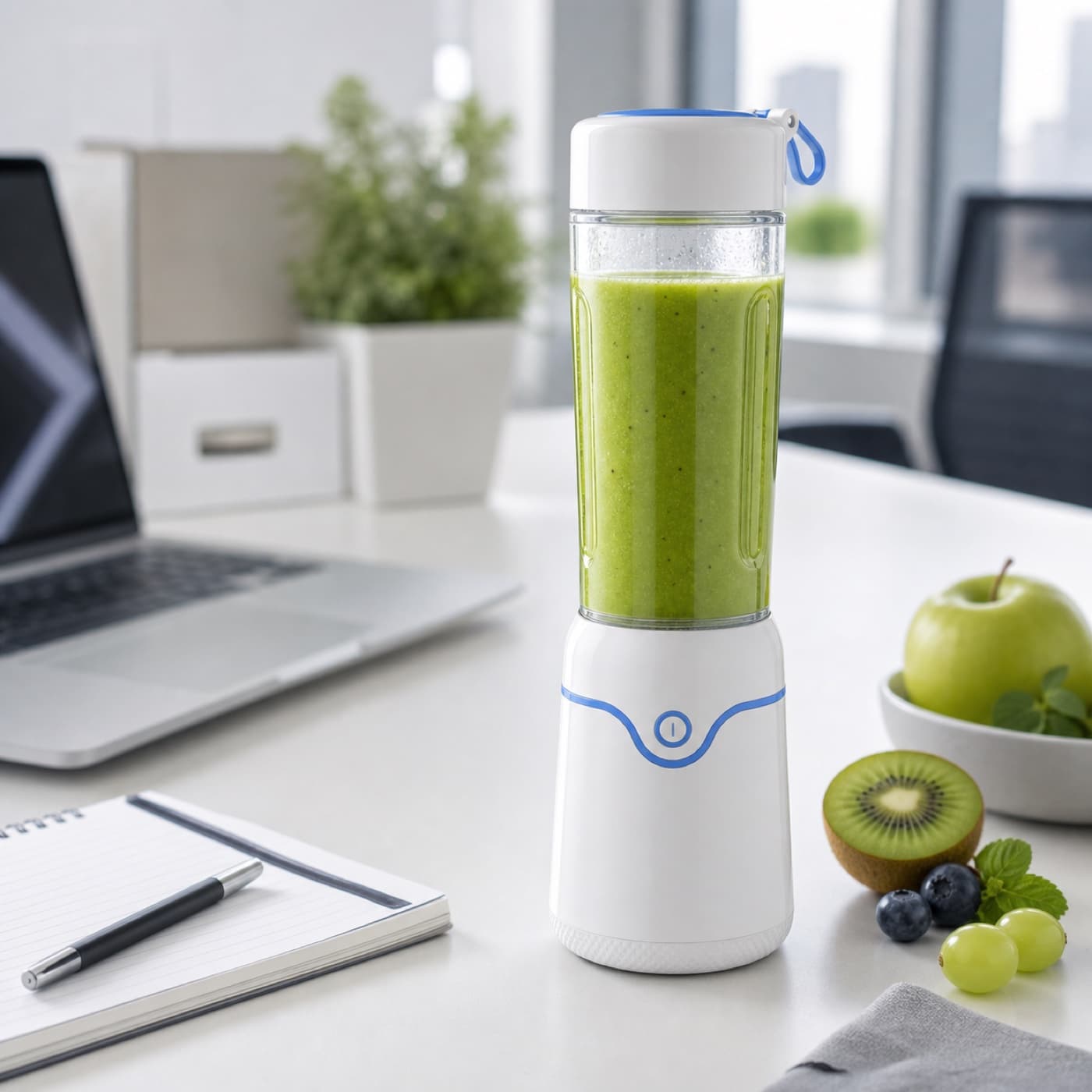
Scene
1 suggested. Plan first, then choose which to generate.
A+ section
1 suggested. Plan first, then choose which to generate.