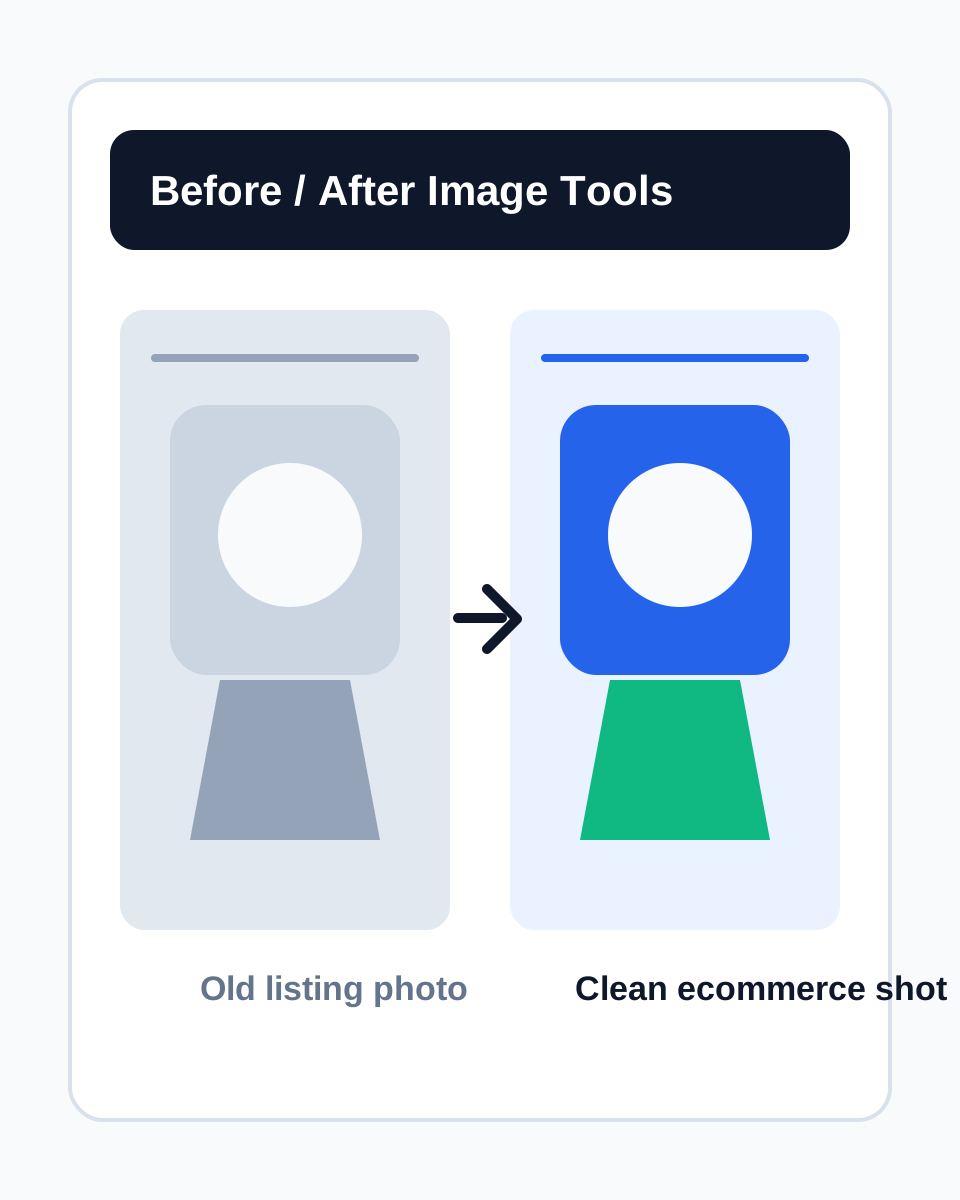
 Listing-ready hero edit
Use the active tool to preserve product identity and get one saveable, reviewable hero direction.
Current-team materialsDraft save is compute-free3:4
Product image
 ProductAdLab
Current area
Edit
Guest preview mode
You can browse the workspace, switch tools, fill settings, and inspect the flow. Generation, asset saving, history, team, and purchase actions unlock after sign-in.
Hands/feet repair, local repaint, cutout, expansion, recolor, and image text work share one production surface. Tasks handled here load the backend workflow; specialist tasks continue in Toolbox.
Turn garment images into model try-on shots
Garment try-on tool page layout
Splits Garment try-on into material staging, parameter controls, generation preview, and asset handoff so the edit page behaves like a production workspace.
Material staging
Confirm product, reference, and authorized materials first.
Parameter controls
Keep platform, scene, style, ratio, count, and edit-matrix parameters in one production panel.
Generation preview
Show progress during generation and return saveable, reusable results when ready.
Asset handoff
Route finished images back to project assets, video materials, and delivery packs.
Product image
RequiredUpload the main product image
Choose from assets
0 selected / up to 1
Pose / layout reference
Guides pose, camera angle, or composition
Choose from assets
0 selected / up to 1
Model reference
Only use authorized people or brand models
Choose from assets
0 selected / up to 1
Sign in to generate
Only the active tool result is shown
Waiting to run
Choose a tool and upload materials; progress and results appear here.
Examples
Backend-owned Garment try-on case directions. Using one carries material needs, edit parameters, ratio, count, and safety boundaries.
Listing-ready hero editUse the active tool to preserve product identity and get one saveable, reviewable hero direction.
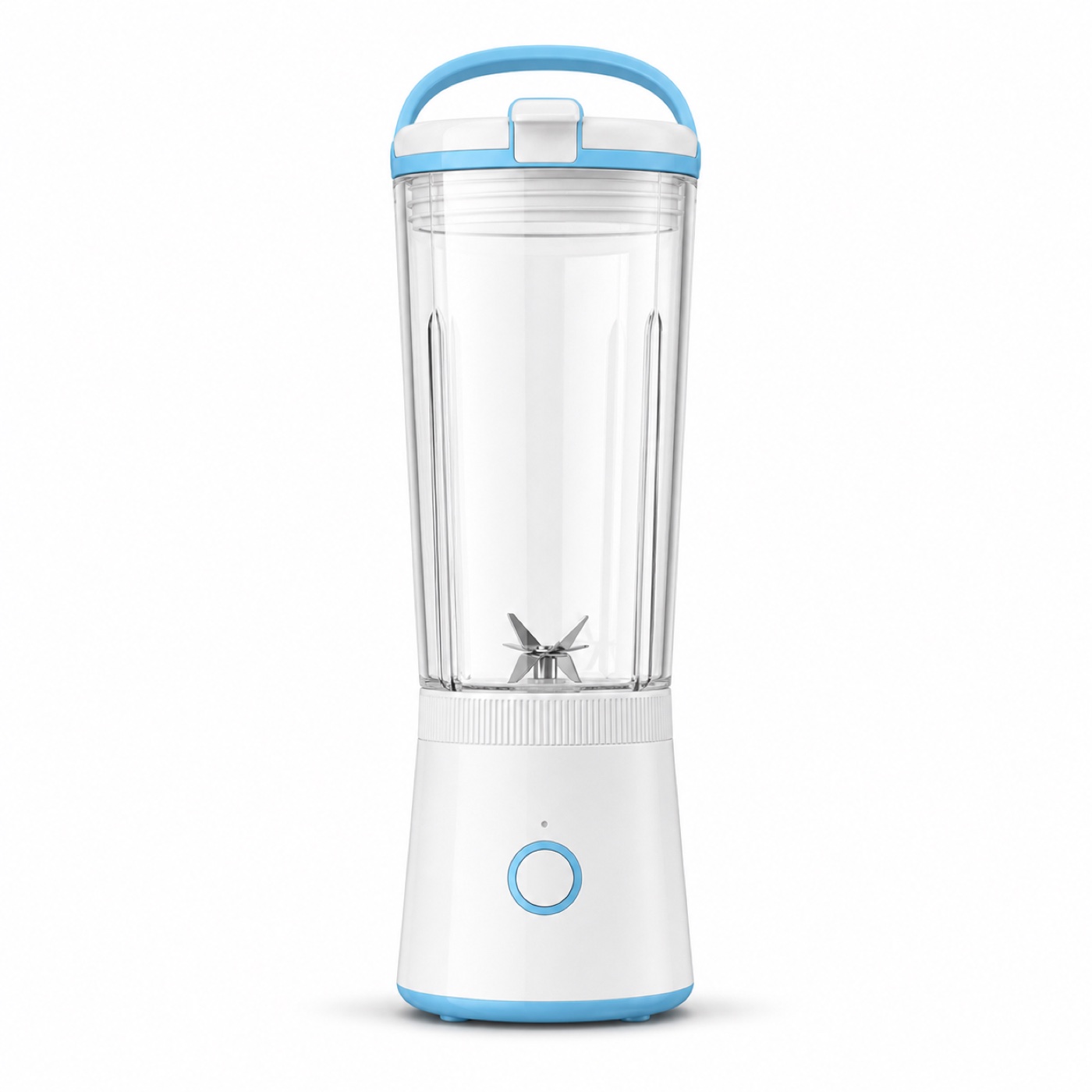 Scene replacement
Guide materials into cleaner studio, white-background, or lifestyle scenes for detail pages and video materials.
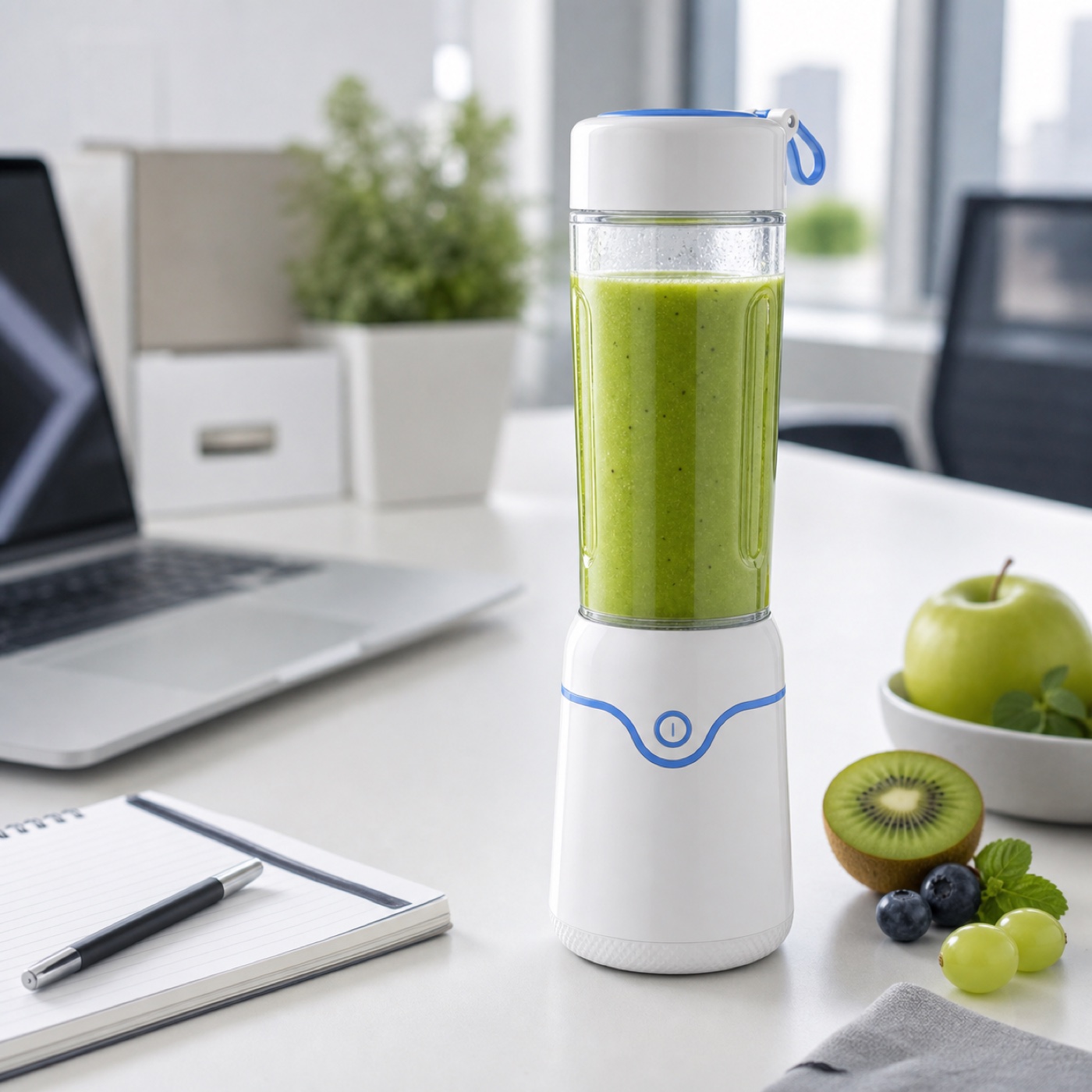 Detail review pass
Strengthen material, edges, local detail, and quality checks for low-resolution recovery or pre-batch review.
Saving a case draft does not call AI, upload storage, or spend compute.
Before generation, confirm product, model, scene, and brand materials are owned or authorized.
Cases reuse workflow direction only; they do not copy third-party images, people, brands, or platform marks.