ProductAdLab

Guest preview mode

You can browse the workspace, switch tools, fill settings, and inspect the flow. Generation, asset saving, history, team, and purchase actions unlock after sign-in.

Sign in

AI edit matrix

Hands/feet repair, local repaint, cutout, expansion, recolor, and image text work share one production surface. Tasks handled here load the backend workflow; specialist tasks continue in Toolbox.

Edit matrix v1
Hands/feet repairRepairFix common model-shot defects around fingers, feet, and body edges.Material: One model or outfit imageOutput: Naturally repaired commercial imageCompute: Single-image edit with edit-task compute estimateRights: Repair visual defects only; do not change identity or product facts.Open ToolboxLocal repaintRepairRepaint stains, wrinkles, broken edges, or small missing areas.Material: One image to repair, optional instructionOutput: Locally repaired imageCompute: Local repair with single-image edit estimateRights: Do not remove third-party copyright marks or fake product structure.Open ToolboxAuthorized face variationReplaceAdjust model face state or use an authorized brand face reference after rights confirmation.Material: Model image and authorized face referenceOutput: Authorized identity variation imageCompute: Identity tasks require separate material-rights confirmationRights: Use owned or authorized likeness only; no celebrities or private identifiable people.Open ToolboxImage expansionScale/HDExpand product images to target aspect ratios and complete the background naturally.Material: One product or scene imageOutput: Expanded-format imageCompute: Estimated as an image edit for the target formatRights: Background expansion must not add unprovided accessories, certificates, or promotions.Open ToolboxProduct recolorReplaceGenerate color variants for the same product for SKU or creative testing.Material: One product image and target color instructionOutput: Same-product recolor imageCompute: Estimated as a single-image edit; can continue into pack productionRights: Only apply user-confirmed color changes; do not fake real SKU or material facts.Open ToolboxImage text translationTextTranslate editable text in product images while preserving layout relationships.Material: One owned image containing textOutput: Localized image-copy versionCompute: Text-image edit; reviewable versions are recommendedRights: Do not translate trademarks, certifications, legal disclaimers, or unclear safety information.Open Toolbox

Product refinement

Improve product image quality and commercial polish

Tutorial
Image

Product refinement tool page layout

Splits Product refinement into material staging, parameter controls, generation preview, and asset handoff so the edit page behaves like a production workspace.

Tool layout v1

Material staging

Confirm product, reference, and authorized materials first.

  • - Product image: required, up to 1 image(s).
  • - Materials must be owned or authorized; model/likeness material needs rights confirmation.

Parameter controls

Keep platform, scene, style, ratio, count, and edit-matrix parameters in one production panel.

  • - Default ratio: 1:1.
  • - Default output: 1; max 1.
  • - When launched from the edit matrix, backend work order and parameter plan must be carried in.

Generation preview

Show progress during generation and return saveable, reusable results when ready.

  • - Output slots: Refined product image.
  • - Results must not show providers, raw prompts, storage keys, or internal execution packets.

Asset handoff

Route finished images back to project assets, video materials, and delivery packs.

  • - Saved project assets keep the tool page layout source.
  • - Can continue into delivery versions, video ads, or package download.
Generate after uploading materialsCurrent product project assets / delivery versions / product delivery packs

Product repaint

Backend edit work order is loaded; generated results keep the specific edit-task source.

Work order v1

Materials

  • - One product image
  • - Confirm the product, model, image, or likeness material is owned or authorized.
  • - Add key preservation, repair, or replacement requirements.

Production steps

  • - Read the materials and create the Product repaint edit work order.
  • - Run through the Current Image Tools backend workflow, preserving product identity, scale, lighting, and visible detail.
  • - Save the finished image to the current product project assets with traceable task metadata.

Result routing

  • - Refined product hero image
  • - Live generation is estimated per image result
  • - The result can continue into video materials, delivery versions, or product delivery packs.

Guardrails

  • - Do not change style, real color facts, marks, or core benefits.
  • - Do not expose providers, raw prompts, storage keys, or internal execution packets to users.
  • - Do not invent product specs, certifications, sales results, effects, or unconfirmed SKU facts.

Sign in to save edit orders.

Only saves a current-team edit order; no AI call, storage upload, or compute spend.

Product repaint parameter plan

Locks target area, subject boundaries, output count, and delivery checks for Product repaint.

Parameter plan v1

Target area

Product edges, material, shadow, and local defects

The request should focus on this area instead of rewriting the whole image.

Subject boundary

Preserve product identity, scale, material, color, marks, and visible details.

Change only the task target, not product facts, likeness rights, or unsupported platform claims.

Output count

1 image(s) by default, constrained by the active tool limit.

Exploration can continue into packs or delivery versions; refinement keeps reviewable versions first.

Review focus

Complete subject, natural edges, consistent lighting, and no fabricated information.

Saved results can continue into project assets, video materials, or delivery packs.

Ratio: 1:1Default count: 1Scene: studioStyle: commercial

Product image

Required

Upload the main product image

Choose from assets

0 selected / up to 1

No saved images yet. You can upload local files first.
Aspect ratio

Sign in to generate

Result preview

Only the active tool result is shown

Waiting to run

Choose a tool and upload materials; progress and results appear here.

Examples

Product refinement case gallery

Backend-owned Product refinement case directions. Using one carries material needs, edit parameters, ratio, count, and safety boundaries.

Savable drafts
Using a case loads direction and parameters, then saves a current-team draft.
Listing-ready hero edit case imageListing-ready hero edit

Use the active tool to preserve product identity and get one saveable, reviewable hero direction.

Current-team materialsDraft save is compute-free1:1
Product image

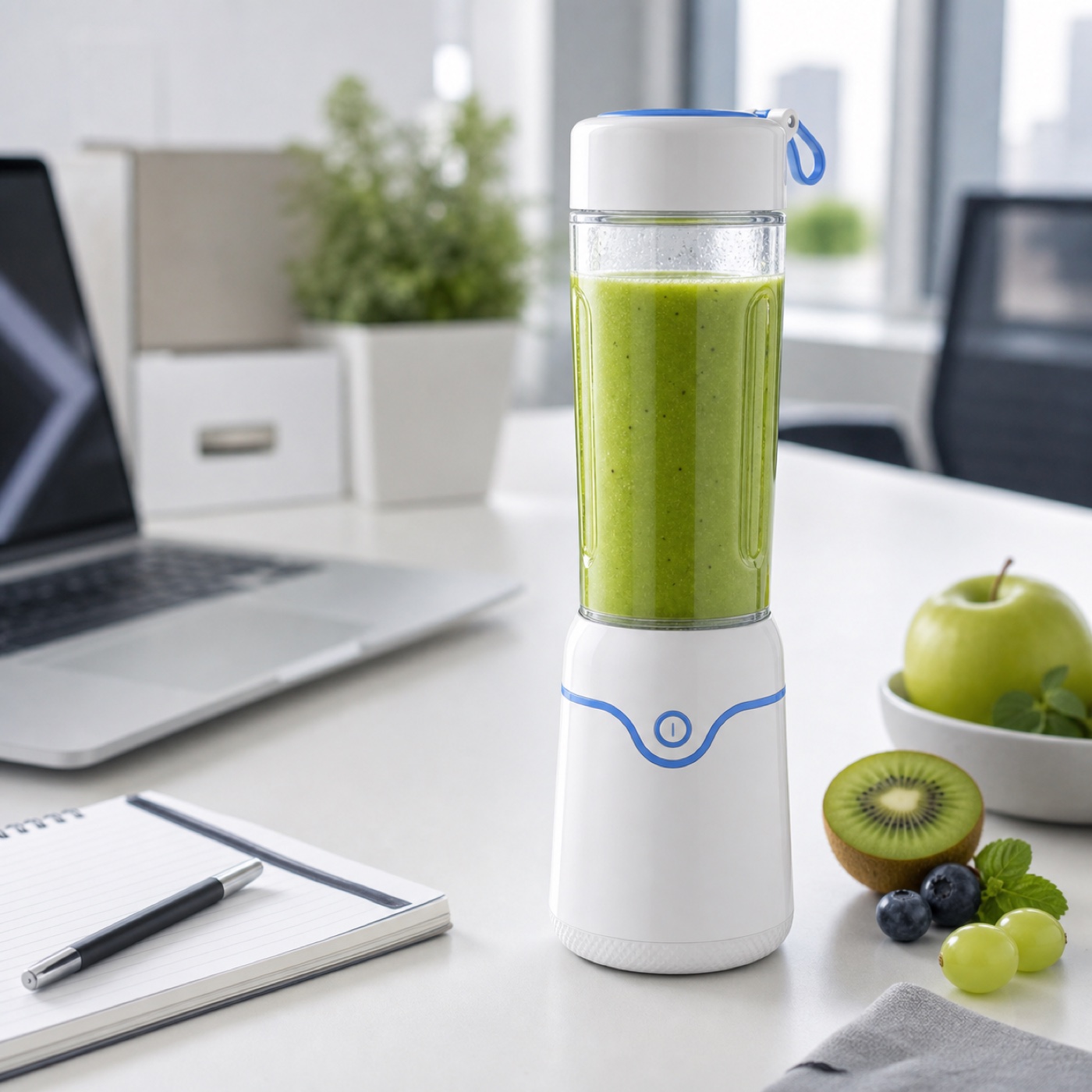
Scene replacement case imageScene replacement

Guide materials into cleaner studio, white-background, or lifestyle scenes for detail pages and video materials.
Scene controlledAsset routingPack-ready
Product image
Detail review pass case imageDetail review pass

Strengthen material, edges, local detail, and quality checks for low-resolution recovery or pre-batch review.

Review-firstDetail boostNo internal instructions
Product image

Saving a case draft does not call AI, upload storage, or spend compute.

Before generation, confirm product, model, scene, and brand materials are owned or authorized.

Cases reuse workflow direction only; they do not copy third-party images, people, brands, or platform marks.