
Marketplace hero
Clear subject, natural shadow, ready for listing.
Amazon1:1
 ProductAdLab
Current area
Images
Guest preview mode
You can browse the workspace, switch tools, fill settings, and inspect the flow. Generation, asset saving, history, team, and purchase actions unlock after sign-in.
Tasks
For product photography, hero images, and detail images
Organizes High-quality product image into materials, parameters, generation monitoring, and asset handoff, carrying Toolbox specialist workflows and Image Tools handoff orders.
Material staging
Confirm product, image, video, model, or authorized likeness materials first.
Parameter controls
Keep task mode, platform, ratio, duration, and specialist work-order parameters in one production panel.
Generation preview
Show status during generation and return image assets or video task results when ready.
Asset handoff
Route results back to project assets, video materials, delivery versions, and product delivery packs.
Locks task mode, output format, material policy, and review focus for High-quality product image into a saveable tool-page parameter plan.
Task mode
Choose commerce pack, listing refresh, social poster, short-video motion, or model display.
The task mode changes production intent only; it does not override tool, material rights, or product facts.
Output format
1:1 ratio, generating a saveable static commerce image.
Ratio and duration are submitted with the backend task for asset-library and delivery-pack review.
Material policy
No required upload; optional: Reference image.
Uploaded materials must be owned or authorized; references only guide style, layout, motion, or local targets.
Review gate
Complete subject, stable scale, natural edges, and no fake platform badges or unverified effects.
Saved results keep the parameter-plan source so teammate handoff and ZIP checklists can trace the tool-page settings.
Organizes materials, generation steps, asset saving, and reuse for High-quality product image.
Materials
Steps
Routing
Guardrails
Sign in to save tool production orders.
Only saves a current-team order; no AI call, storage upload, or compute spend.
Routes High-quality product image results into assets, video reuse, delivery versions, teammate handoff, and ZIP downloads.
Review generated result
result_previewConfirm subject, edges, ratio, product facts, and saveable preview first.
Save delivery version
asset_librarySave the result into a named version for this product, ready for review, approval, or rollback.
Continue into short video
video_adsImage results can continue as image-to-video references, storyboards, or ad materials.
Add to delivery pack
delivery_packKeep tool, task-mode, tool-layout, parameter-plan, and production-plan sources.
Hand off to teammates
team_handoffInclude material rights, review focus, next actions, and asset location during handoff.
Choose an ecommerce task matched to this tool; product name, platform, ratio, and request will be filled in.
Marketplace hero
Clear subject, natural shadow, ready for listing.
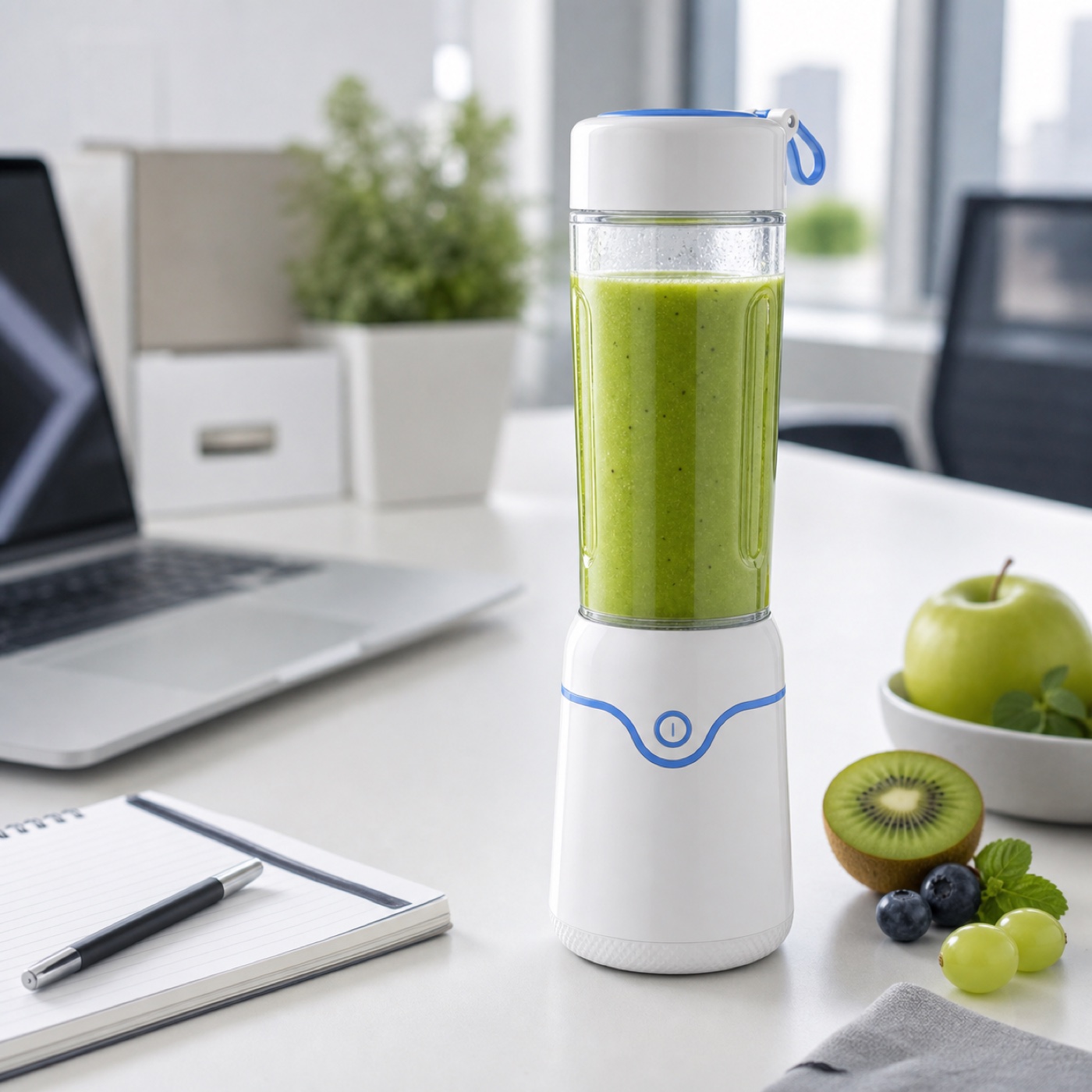
Lifestyle scene
Place the product in a real use scene for ad creatives.
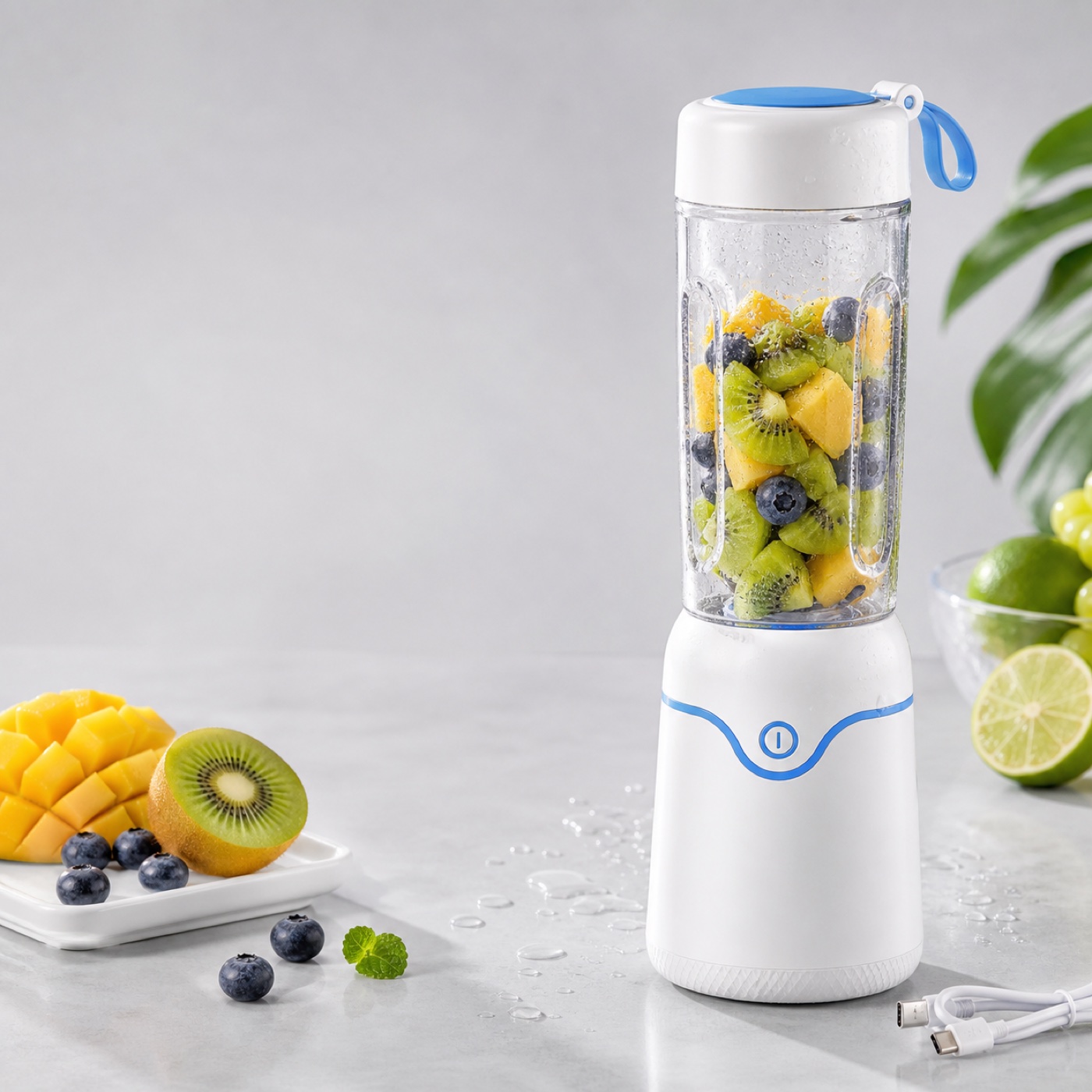
Benefit detail image
Create a reusable asset around one product detail.
Reference image
Guides style, layout, pose, or scene
Guest preview is active. Sign in to submit tasks and save results.