ProductAdLab

Guest preview mode

You can browse the workspace, switch tools, fill settings, and inspect the flow. Generation, asset saving, history, team, and purchase actions unlock after sign-in.

Sign in

Tasks

More Tools

Preview
Local repair
1Upload2Describe3Create4Save
AI Edit

Local repair

Repair misplaced logos, patterns, or extra elements

Tool page layoutBackend page structure · ai_toolbox_tool_detail_layout_v1

Local repair tool page layout

Organizes Local repair into materials, parameters, generation monitoring, and asset handoff, carrying Toolbox specialist workflows and Image Tools handoff orders.

1:1

Material staging

Confirm product, image, video, model, or authorized likeness materials first.

  • Product / subject image: required. Upload the subject image to preserve or edit; up to 1 image materials.
  • Product task brief: required. Add platform, ratio, benefits, and details to preserve or change.
  • Material rights confirmation: required. Confirm product, image, video, model, or likeness materials are owned or authorized.

Parameter controls

Keep task mode, platform, ratio, duration, and specialist work-order parameters in one production panel.

  • Default ratio: 1:1.
  • Image tasks return saveable results directly by default.
  • When launched from the edit matrix, specialist work-order source must be carried in.

Generation preview

Show status during generation and return image assets or video task results when ready.

  • Output: Locally repaired image.
  • Do not show providers, raw prompts, storage keys, signed URL internals, or execution packets.

Asset handoff

Route results back to project assets, video materials, delivery versions, and product delivery packs.

  • Saved results keep tool layout, production plan, and task-mode sources.
  • Can continue into video ads, teammate handoff, or ZIP download.
Generate image after materialsCurrent product image assets / video material / delivery pack
Parameter planBackend parameter plan · ai_toolbox_parameter_plan_v1

Local repair parameter plan

Locks task mode, output format, material policy, and review focus for Local repair into a saveable tool-page parameter plan.

1:1

Task mode

Choose commerce pack, listing refresh, social poster, short-video motion, or model display.

The task mode changes production intent only; it does not override tool, material rights, or product facts.

Output format

1:1 ratio, generating a saveable static commerce image.

Ratio and duration are submitted with the backend task for asset-library and delivery-pack review.

Material policy

Required: Product / subject image.

Uploaded materials must be owned or authorized; references only guide style, layout, motion, or local targets.

Review gate

Complete subject, stable scale, natural edges, and no fake platform badges or unverified effects.

Saved results keep the parameter-plan source so teammate handoff and ZIP checklists can trace the tool-page settings.

Switchable across Douyin ecommerce, Taobao/Tmall, Amazon, and ShopeeCurrent product image assets / video materials / delivery pack
Tool production planBackend workflow brief

Local repair production plan

Organizes materials, generation steps, asset saving, and reuse for Local repair.

1:1

Materials

  • Product / subject image · RequiredUpload the subject image to preserve or edit; up to 1 image materials.
  • Product task brief · RequiredAdd platform, ratio, benefits, and details to preserve or change.
  • Material rights confirmation · RequiredConfirm product, image, video, model, or likeness materials are owned or authorized.

Steps

  1. 1Read the Local repair source image, references, and local edit instructions.
  2. 2Preserve product identity, scale, material, lighting, and visible detail while changing only the requested area or goal.
  3. 3Save the finished image to project assets with tool, task-mode, and safety source tags.

Routing

  • Locally repaired image
  • Saved to current product image assets and project timeline.
  • Can continue as video material, a delivery version, or delivery-pack media.

Guardrails

  • Do not fabricate third-party brands, certifications, or platform marks.
  • Do not expose providers, raw prompts, storage keys, signed-URL internals, or execution packets to users.
  • Do not invent product specs, certifications, sales results, effects, SKU facts, or unconfirmed likeness rights.

Sign in to save tool production orders.

Only saves a current-team order; no AI call, storage upload, or compute spend.

Delivery actionsBackend delivery actions · ai_toolbox_delivery_action_plan_v1

Local repair delivery action plan

Routes Local repair results into assets, video reuse, delivery versions, teammate handoff, and ZIP downloads.

Locally repaired image result set

Review generated result

result_preview

Confirm subject, edges, ratio, product facts, and saveable preview first.

Save delivery version

asset_library

Save the result into a named version for this product, ready for review, approval, or rollback.

Continue into short video

video_ads

Image results can continue as image-to-video references, storyboards, or ad materials.

Add to delivery pack

delivery_pack

Keep tool, task-mode, tool-layout, parameter-plan, and production-plan sources.

Hand off to teammates

team_handoff

Include material rights, review focus, next actions, and asset location during handoff.

  • Result is saved to the current product project assets.
  • Delivery versions or result sets keep tool source and parameter plan.
  • ZIP or teammate handoff does not expose providers, raw prompts, storage keys, or signed URL internals.
Edit work orderFrom the Image Tools edit matrix

Local repaint

This work order organizes materials, edit steps, and result routing.

AI Toolbox

Materials

  • One image to repair, optional instruction
  • Confirm the product, model, image, or likeness material is owned or authorized.
  • Add key preservation, repair, or replacement requirements.

Steps

  1. 1Read the materials and create the Local repaint edit work order.
  2. 2Run through the AI Toolbox specialist workflow, preserving product identity, scale, lighting, and visible detail.
  3. 3Save the finished image to the current product project assets with traceable task metadata.

Routing

  • Locally repaired image
  • Local repair with single-image edit estimate
  • The result can continue into video materials, delivery versions, or product delivery packs.

Guardrails

  • Do not remove third-party copyright marks or fake product structure.
  • Do not expose providers, raw prompts, storage keys, or internal execution packets to users.
  • Do not invent product specs, certifications, sales results, effects, or unconfirmed SKU facts.

Example presets

Choose an ecommerce task matched to this tool; product name, platform, ratio, and request will be filled in.

Local repair
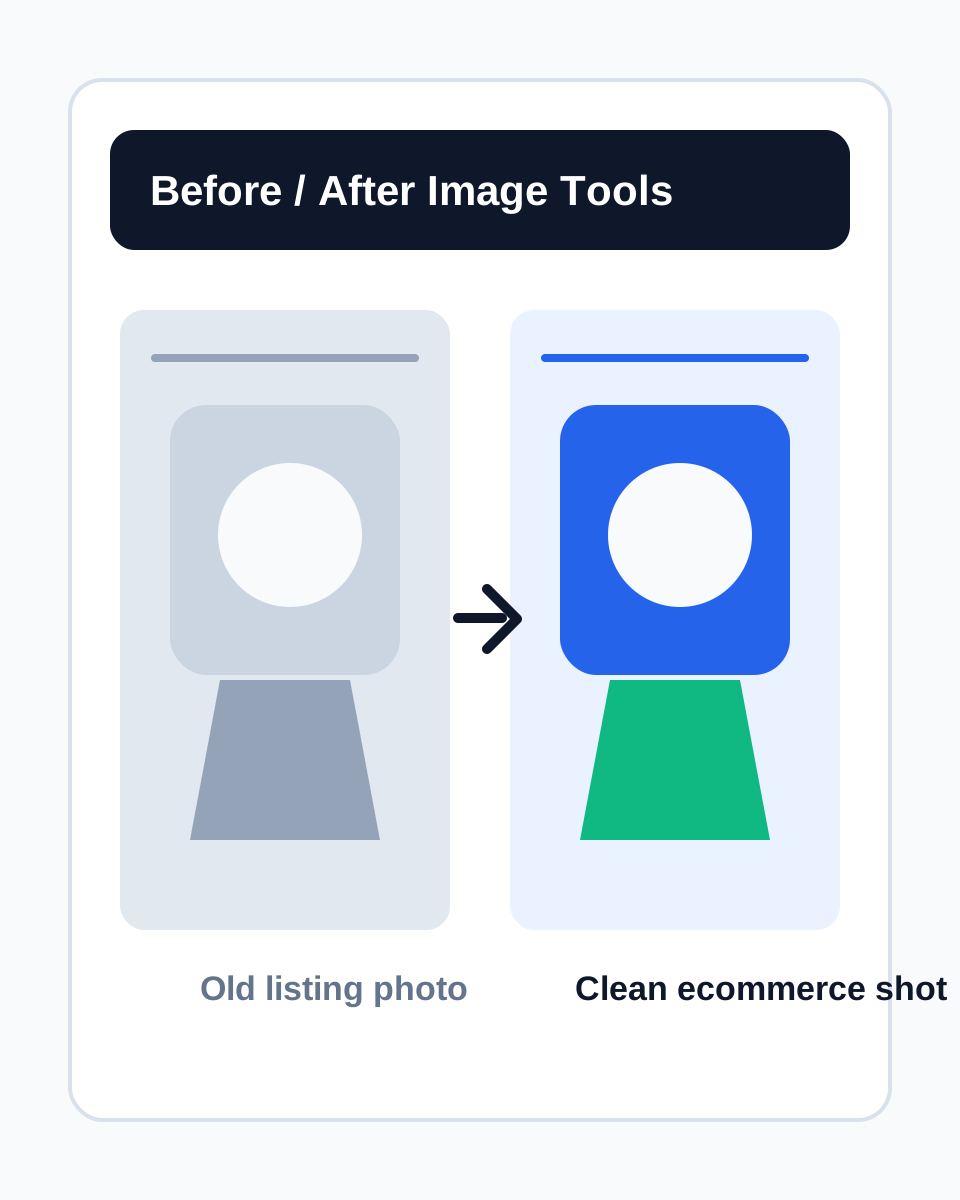
Refresh old listing photo case

Refresh old listing photo

Clean flaws and background while preserving real product details.

淘宝/天猫1:1

Lifestyle background swap case

Lifestyle background swap

Turn a plain product photo into a campaign-friendly lifestyle scene.

Shopee4:5
Colorway variation case

Colorway variation

Create colorway variants while keeping material and structure consistent.

Amazon1:1

Product / subject image

Required

Upload the subject image to preserve or edit

Guest preview is active. Sign in to submit tasks and save results.